
Create task from manufacturing order
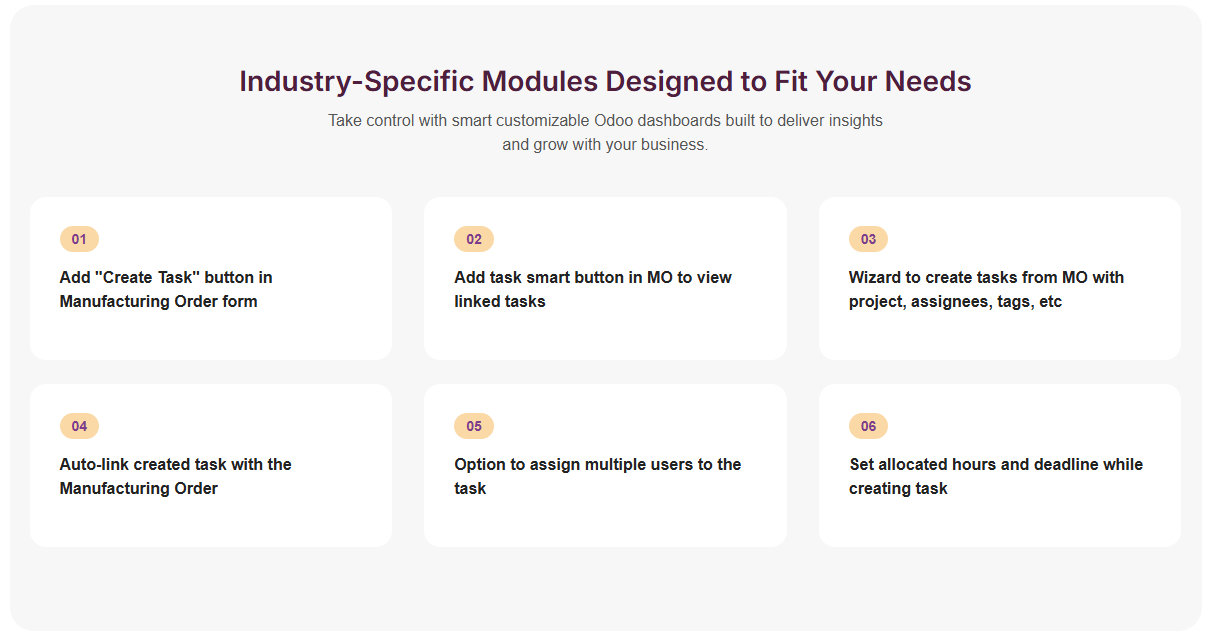
This module allows creating and managing project tasks directly from Manufacturing Orders
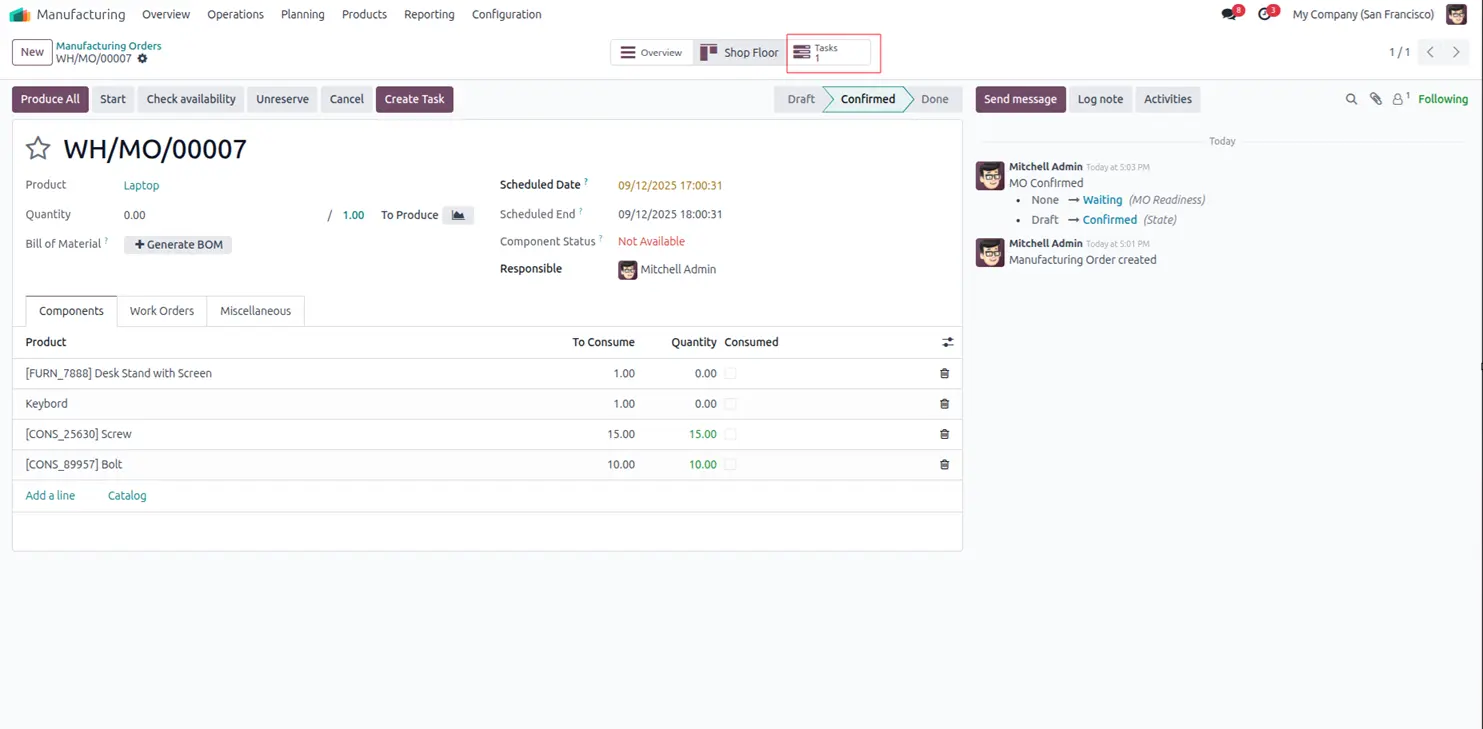
Go to Manufacturing and create a Manufacturing Order (MO)
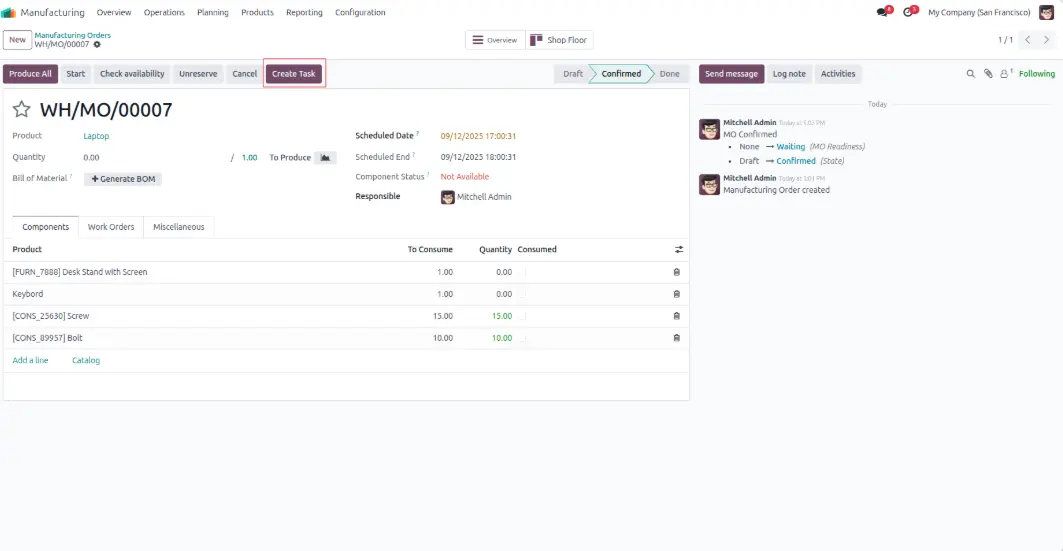
Click on the "Create Task" button in the MO form
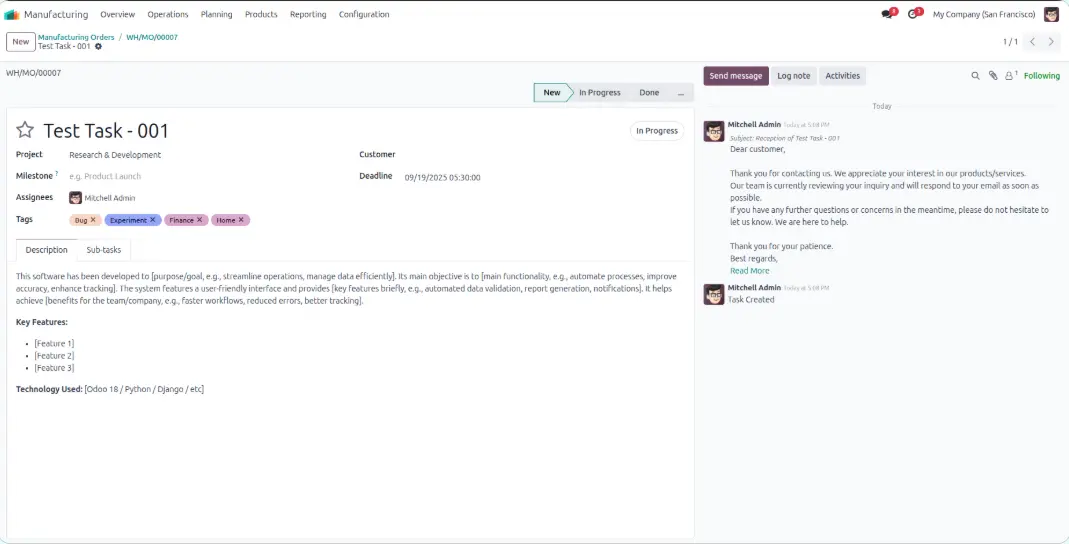
The wizard will open assign the task to users and fill in other task details like project, deadline, tags, description, and allocated hours
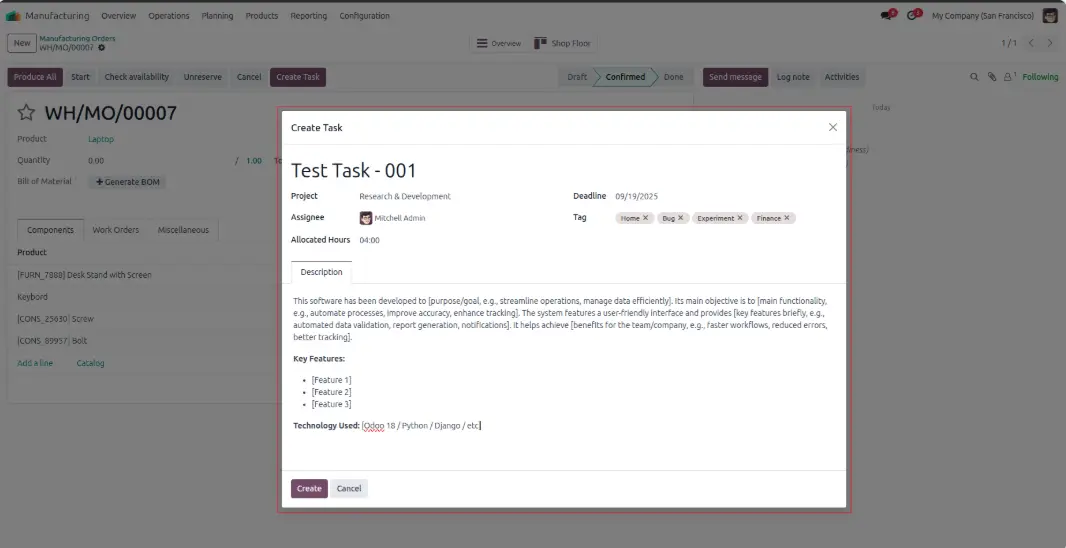
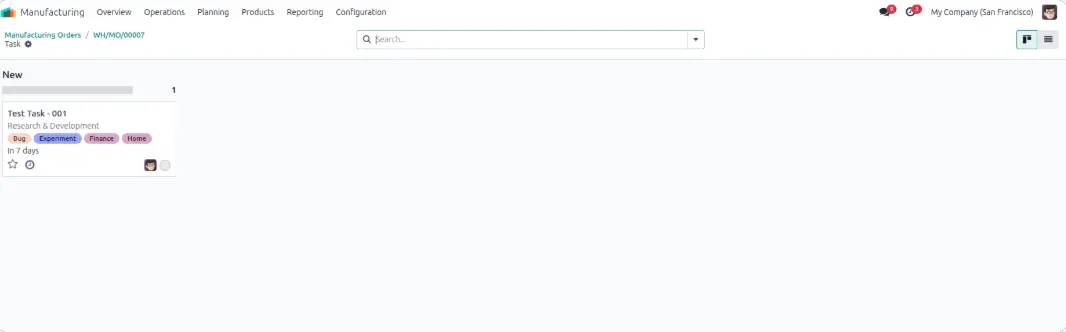
Click "Create" the newly created task will open in the task view
In the MO form, a smart button appears on the header showing the count of linked tasks
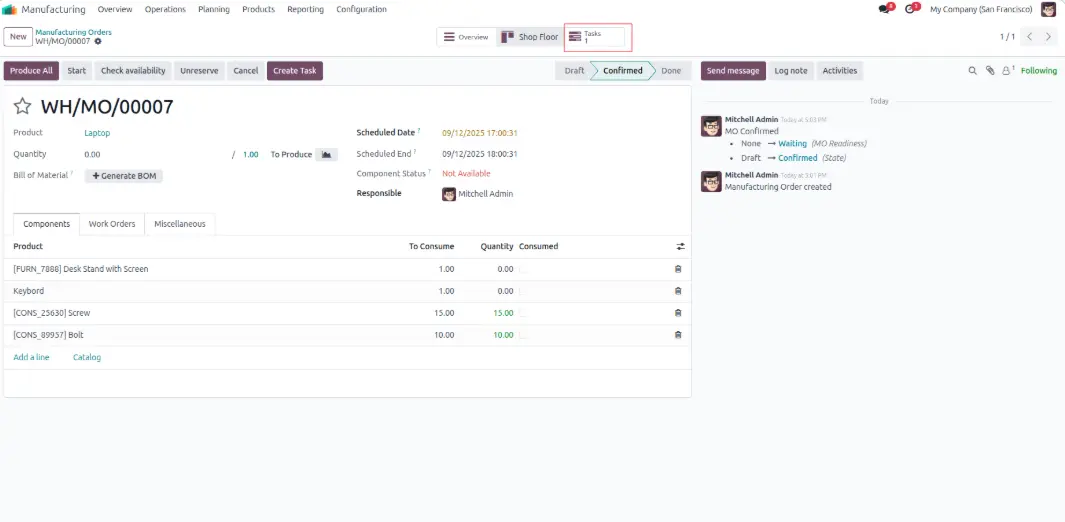
Click on the smart button to see all tasks associated with the Manufacturing Order